
Advanced & Pro
Print files, what you get and how to use them
Built by a working print shop, so the output is what a press actually needs, not a screenshot.
Here is exactly what lands in your inbox.
What arrives with every job
Quote requests arrive as an email with one zip attached, the design’s full set of print files, and WooCommerce orders carry the same set (the shop even gets the print files emailed the moment a design is added to a cart, before checkout finishes). Inside:
- Mockup PNGs, front/back on the garment, for approvals and packing slips.
- Print-ready PNG, the artwork alone, transparent background, at output resolution, one per printed side. This is your DTF/DTG/sublimation file.
- Vector SVG + editable PDF (Advanced & Pro), editable vector exports, per side, when that side is built from library art and text. If a customer upload (photo/PNG) is part of a side, that side ships raster, a photo can’t become vector, and I won’t pretend otherwise with an auto-trace. A vector front with a photo back still gets its SVG for the front.
Every submission is also archived on My T Maker ▸ Dashboard, files in your own uploads folder, a deleted email is never a lost job.
Sizing you can trust
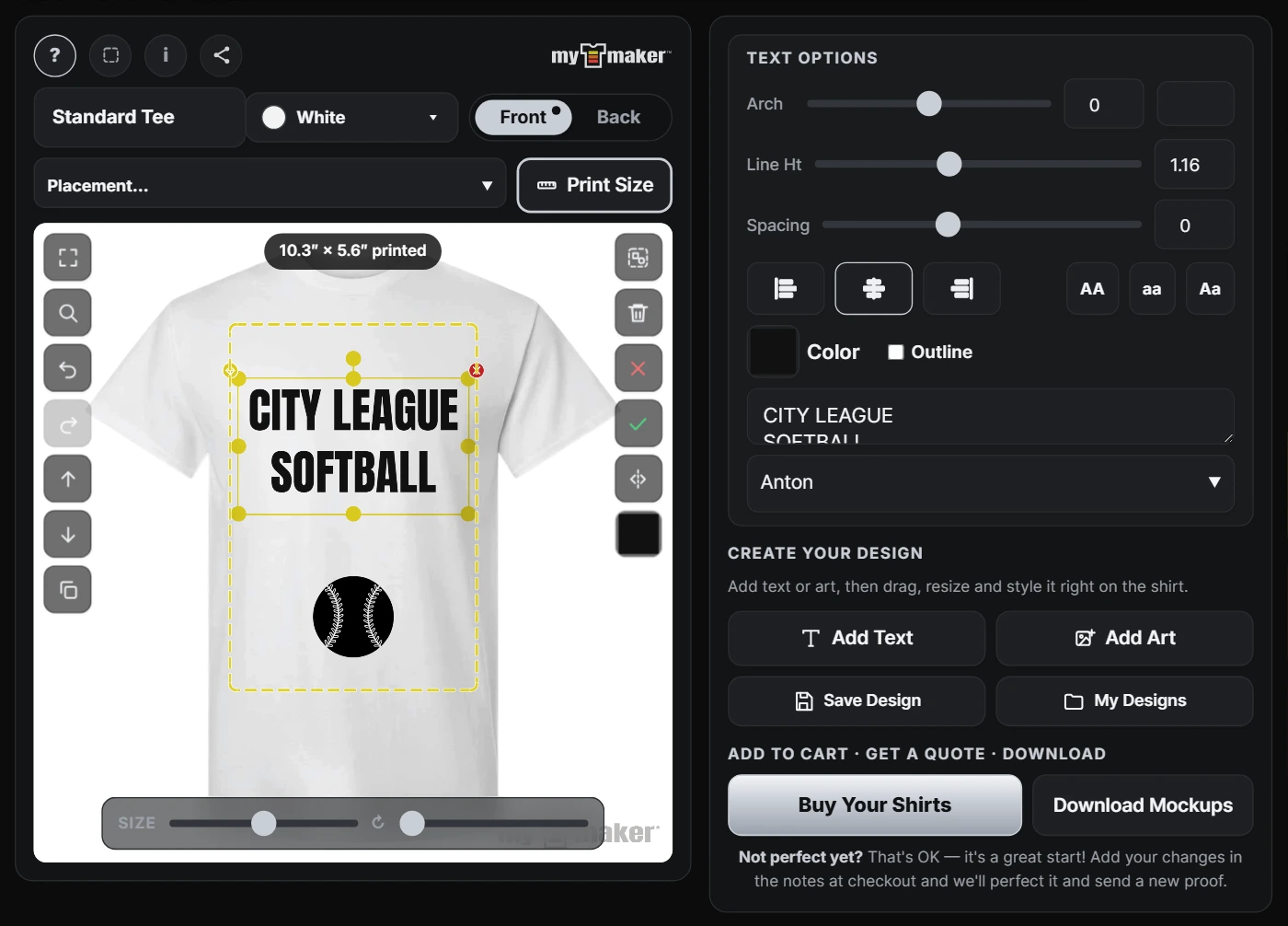
The 📏 print-size readout customers see maps 1:1 to the output files: set your platen’s real print width in Settings once (default 12″), and 8.8″ × 2.6″ on screen is 8.8″ × 2.6″ on the press. Low-resolution uploads get flagged to the customer at design time, before the file reaches you.
By print method
- DTF / DTG: use the print-ready PNG as-is; transparency is already correct.
- Screen print: the SVG opens in Illustrator/Inkscape/CorelDRAW for separations; shirt colors carry PMS numbers so you match your ink book instead of eyeballing a mockup.
- Vinyl/plotter: SVG cuts directly for text/library-art designs.
- Sublimation: print-ready PNG at output size.
Color matching
Colors arrive as numbers, not guesses:
- The shirt color lands in every quote and order as name + PMS number + hex value (the PMS chip shows in the designer too, right next to the color swatch).
- The design summary in each email lists every text element’s exact hex color.
- Pro shops can fine-tune any garment color’s hex in Garments & Colors to match their actual blanks, and PMS numbers on custom garments are set per color in the garment wizard.
Where files live
On your site, the design archive is yours (wp-content/uploads/tshirt-designs/). On Pro, the Dashboard flags archive disk size in the attention panel before it becomes a hosting problem.
Need a hand?
Use the contact form, answered by a working print shop within 1–2 business days.